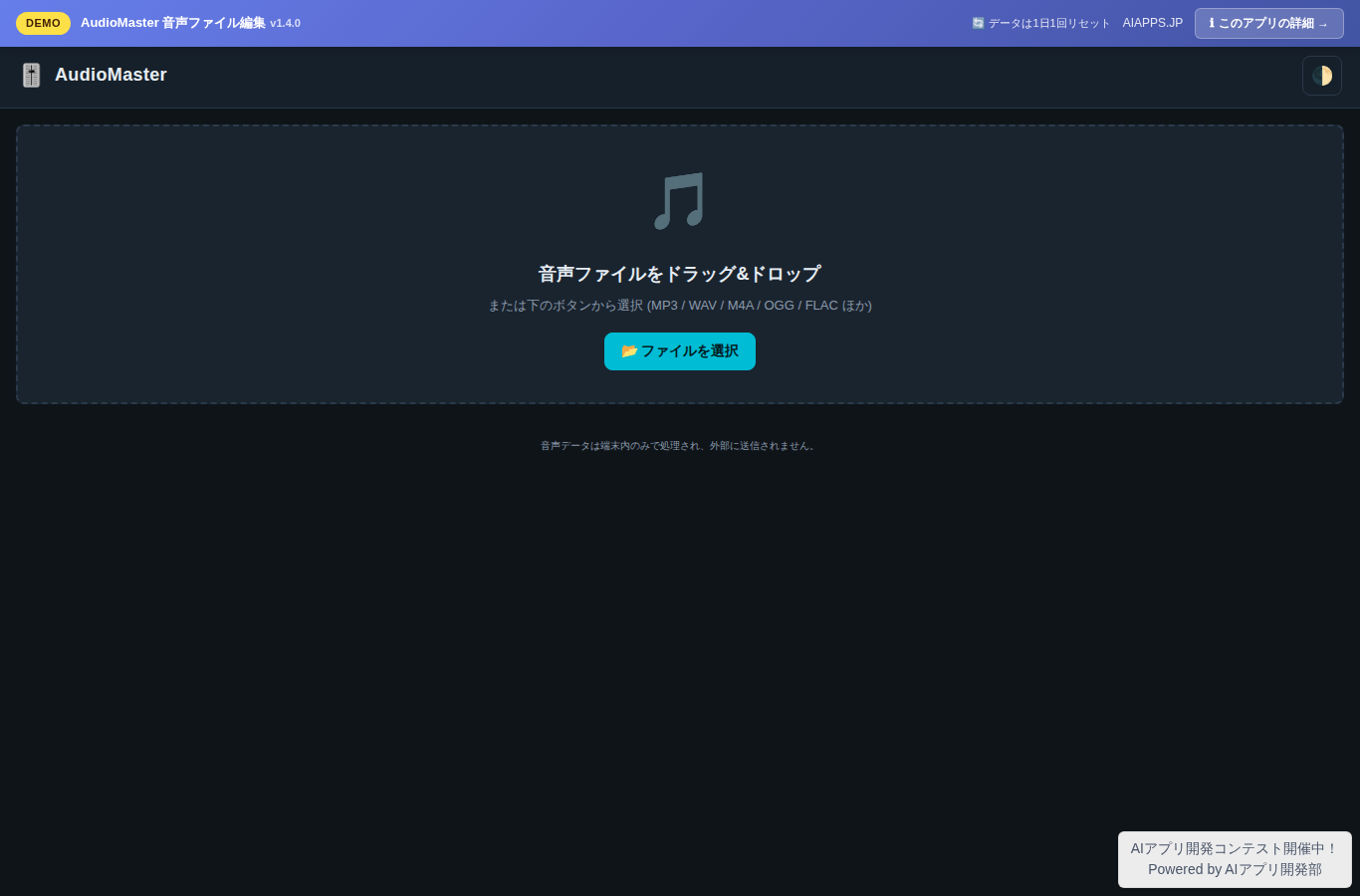
アプリ画面のプレビュー
概要
ブラウザだけで音声ファイルを編集できるプロフェッショナル向けツール。MP3/WAV/M4A/OGG など主要フォーマットを読み込み、波形上で範囲を指定してのトリミング、音量調整、フェードイン/アウト、ノーマライズ、3バンド EQ、ピッチ/速度変更、リバーブ、ノイズゲート、別ファイル結合、FFT スペクトル減算ノイズ除去、MP3 タグ (ID3v2) 編集、ソフトクリップ・マスターリミッター、無音検出と自動分割、A/B ループ再生に対応。マウスホイールでズーム、豊富なキーボードショートカットで効率的に編集できます。WAV (16bit PCM) として書き出しできます。Web Audio API による完全ブラウザ完結処理で、ファイルは外部送信されません。
主な機能
- ドラッグ&ドロップで音声ファイル読み込み (MP3/WAV/M4A/OGG/FLAC など主要フォーマット)
- 波形可視化 (Canvas、ズーム対応)
- 再生・一時停止・停止・シーク (波形クリックでジャンプ)
- 範囲選択によるトリミング (開始/終了マーカー)
- 音量調整 (ゲインスライダー、リアルタイムプレビュー)
- フェードイン・フェードアウト (秒数指定)
- ノーマライズ (ピーク値を指定 dBFS に揃える)
- 【v1.1】3バンド EQ (低250Hz / 中1.5kHz / 高5kHz、±18dB、選択範囲対応)
- 【v1.1】ピッチ/速度変更 (±12 半音、選択範囲または全体)
- 【v1.1】コンボリューションリバーブ (Decay 0.1〜3.0 秒、Wet 0〜100%)
- 【v1.2】ノイズゲート (スレッショルド/減衰量/アタック/リリース調整可、選択範囲対応)
- 【v1.2】別ファイル結合 (末尾追加または選択位置に挿入、クロスフェード対応、サンプリングレート/チャンネル自動変換)
- 【v1.3】FFT スペクトル減算ノイズ除去 (ノイズ区間を選択→プロファイル化→全体に適用、スペクトラル・フロア・サブトラクション率調整可)
- 【v1.3】ID3v2 メタデータ表示・編集 (MP3 のタイトル/アーティスト/アルバム/年/トラック/ジャンル/コメントを編集、元 MP3 へ書き戻してダウンロード)
- 【v1.3】マスターリミッター (tanh ソフトクリップ、出力時の最大ピーク dBFS を指定して上限超えを軟らかく抑える)
- 【v1.4】無音検出と自動分割 (しきい値 dBFS / 最小無音長で波形を区切り、検出セグメントを一覧表示・個別 WAV ダウンロード可能)
- 【v1.4】A/B ループ再生 (選択範囲を繰り返し再生、ボタン or L キーで ON/OFF)
- 【v1.4】マウスホイールでズーム + ドラッグでスクロール (波形 UX 改善、Shift+ホイールで横スクロール)
- 【v1.4】豊富なキーボードショートカット (Space / Home / End / ← → / Delete / +/- / L / ? など、ヘルプモーダルで一覧表示)
- WAV (16bit PCM) でダウンロード保存
- アンドゥ・リドゥ (最大10ステップ)
- プロフェッショナル風ダークUI (アクセントカラー:シアン/オレンジ)
- レスポンシブ対応 (スマホ縦/タブレット/PCワイド)
- 完全ブラウザ完結 (ファイルは外部送信されない)
導入手順
- AIアプリ開発部 でアカウント登録(まだの方)
- ダッシュボードから
installer.phpをダウンロード - 自社サーバーの公開ディレクトリにアップロードして実行
- APIトークンを入力 → このアプリを選択 → DB情報入力 → 完了
📚 バージョン履歴
現行版の概要のみ表示しています。 すべてのバージョン (5件) を見る →
v1.4.0
現行版
無音検出と自動分割を追加 (しきい値 dBFS と最小無音長を指定して波形を区切り、検出されたセグメントを一覧表示。各セグメントを個別 WAV としてダウンロード可能で、長い録音をトラックに分割するのに最適)。A/B ループ再生を追加 (選択範囲を指定して繰り返し再生。フレーズ練習や微編集の確認に便利、ボタンまたは L キーで ON/OFF)。マウスホイールでズームイン/アウト、ドラッグで波形をスクロール (拡大時の操作性が大幅に向上)。豊富なキーボードショートカット (Space=再生/一時停止、Home/End=端へ移動、← →=シーク、+/-=ズーム、Delete=選択をカット、L=ループ、? でショートカット一覧モーダルを表示)。
🔒 ダウンロードには ログイン + ライセンスが必要