CardMaster Multilingual Flashcard Learning
🙋 リクエスト:
AI企画部
+ 改善: 山田太郎、T-Rex、田中一郎
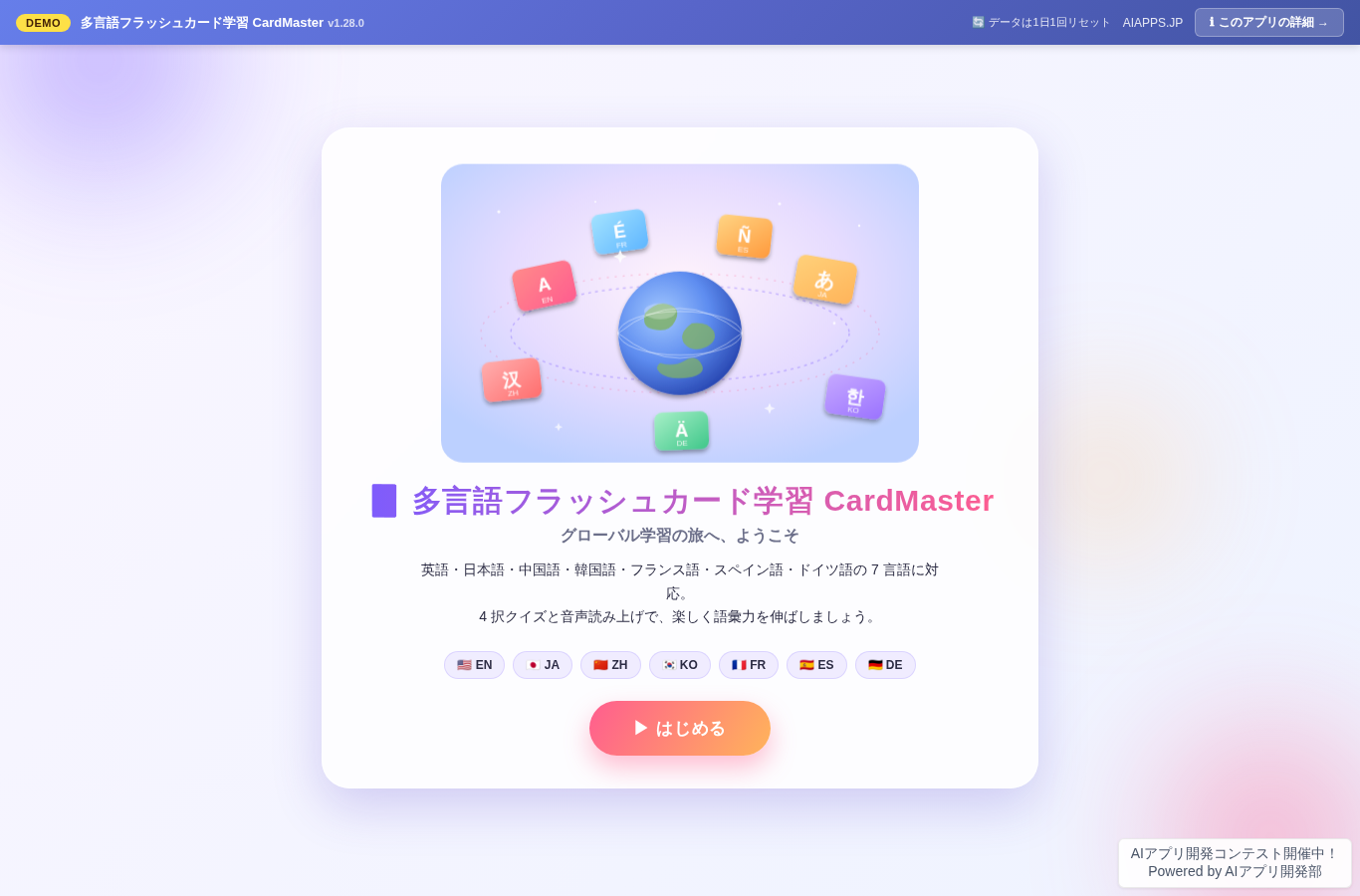
App screen preview
Overview
A flashcard learning app supporting 7 languages — English, Japanese, Chinese, Korean, French, Spanish, and German — with multiple-choice quizzes and text-to-speech. Build your vocabulary enjoyably and consistently with preset decks, backed by progress bars, scores, study streaks, a study calendar, and achievement badges to keep you motivated.
Key Features
- 📤 Export/import My Decks: Save customDecks from localStorage as a JSON file and import it on another device or browser. Includes overwrite confirmation for same-name decks, limits of 20 decks and 120 cards each, and format validation (v1.28.0+)
- ✏️ My Decks: Save up to 20 custom decks with up to 120 cards each in localStorage customDecks. Create, edit, and delete them from the home screen, then choose question order and card count in the existing study settings modal for multiple-choice practice (v1.26.0+)
- 📅 Spaced repetition scheduler: Saves your next review date to localStorage srsData based on results from Multiple-Choice, Endless, and Weak-Point modes. The home screen shows a today's-review badge and a per-language breakdown, and you can start Today's Review mode with up to 30 due cards (v1.25.0+)
- 👁 Reading toggle: Show or hide reading aids such as furigana, pinyin, and romanization on Japanese, Chinese, and Korean question cards with one tap. Each question starts hidden and resets automatically on the next question (v1.24.0+)
- 📋 Study session history: Automatically records results from all modes (Multiple-Choice, Endless, Weak-Point, and more) on your device (localStorage, up to 200 entries). The "📋 History" button at the top right of the home screen opens a modal with a summary of total sessions, average accuracy, and your most-studied language, plus a list showing date/time, mode, language, category, and accuracy (color-coded). Clearing all history is supported (v1.22.0+)
- ⚙️ Study settings modal: Choose question order (🔀 Shuffle / 📋 Registration order) and question count (5–120, slider) when starting a session. Settings are saved to localStorage and restored automatically next time. Endless mode has no count setting, and Weak-Point mode offers order only (fixed at 10 questions max) (v1.21.0+)
- ▶ Multiple-Choice mode (instant feedback per question): Shows correct/incorrect and the right meaning immediately after each answer, with a "Next" button to continue. After the configured number of questions (10 by default), the existing full review screen appears (v1.6.0+)
- ♾ Endless mode (multiple-choice, no limit): Uses the same per-question feedback as Multiple-Choice mode, but without the 10-question cap — up to 500 questions in a row. Tap "🏁 See results so far" to finish anytime (v1.6.0+)
- 🎯 Weak-Point mode: Serves up to 10 cards you previously got wrong, ordered by mistake count within your selected language and category. Cards graduate from the weak-point list automatically after 3 correct answers in a row, and a performance summary appears on the results screen (v1.20.0+)
- 🔔 Sound effect feedback: Correct/incorrect sounds via the Web Audio API (played on the feedback screen, no external audio files needed) (v1.5.0+)
- The "Home" button in the header returns you to the title (welcome) screen (v1.4.0+)
- A title screen with a global learning theme appears on first launch (v1.3.0+)
- Preset decks for 7 languages (English, Japanese, Chinese, Korean, French, Spanish, German)
- Language selection appears in a fixed order with English first (v1.2.0+)
- Categories organized into 10 groups: Basics & Daily Life / Verbs / Adjectives & Qualities / Animals & Nature / Food & Health / Family & Body / Time & Place / Work & Economy / Academics & Science / Culture & Arts (v1.2.0+)
- Text-to-speech (TTS) via the Web Speech API
- Interactive multiple-choice learning
- Flexible study design by category and difficulty
- Progress bar and score display
- Study streak counter
- Study calendar visualizing monthly activity
- Achievement badge and title system
- Mistake analysis and weak-point review
- Sound effects and a vibrant pop-color UI (responsive, dark theme supported)
- Generates a results card image for social sharing (Canvas-based, no external API needed)
Setup Steps
- Create an account on AI App Lab (if you haven't)
- Download
installer.phpfrom your dashboard - Upload to your server's public directory and run it
- Enter API token → select this app → enter DB info → done
📚 Version History
Showing the current version only. See all versions (31) →
v1.29.0
Current
学習中の答え合わせ画面と結果画面から、カードを手動で苦手登録/解除できるようにしました
🔒 Log in and a license are required to download