KPI Cockpit — Goal Progress Dashboard Maker

v1.0.0 · Business · Free
🙋 リクエスト: AI企画部
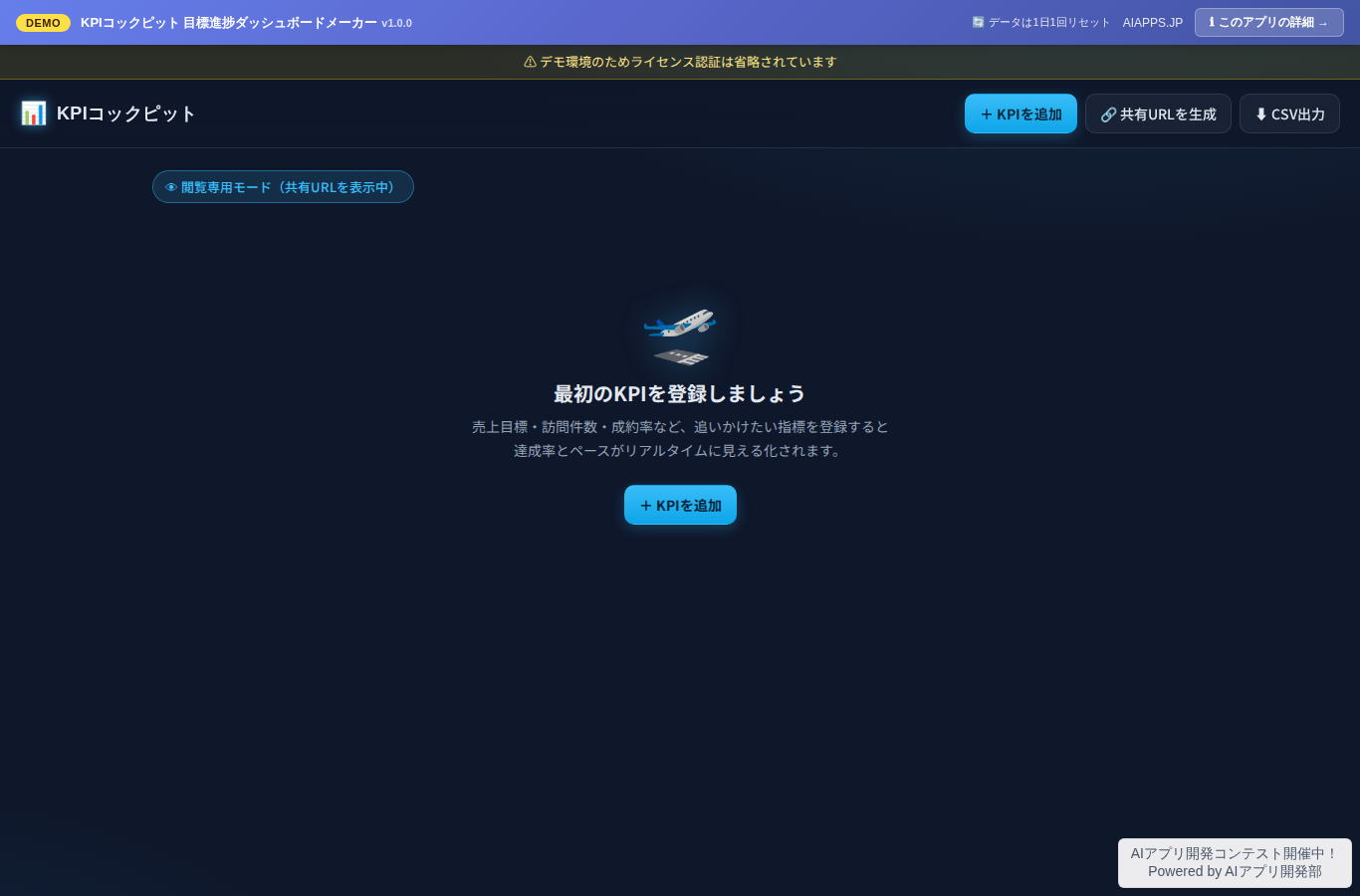
Screenshot of KPI Cockpit — Goal Progress Dashboard Maker
App screen preview

Overview

A goal progress dashboard that lets you register KPIs such as sales, visit counts, and close rates, then visualize achievement rates, pace assessments, and trend graphs in real time simply by entering your results. No Excel or expensive BI tools required — everything runs in your browser. No sign-up needed for instant use, and data is stored in your device's localStorage. Distribute view-only dashboards via Base64 share URLs.
#KPI #Dashboard #Goal Management #Progress Tracking #Sales #Visualization #No-Code

Key Features

  • KPI registration & management (metric name, target value, unit, measurement period (weekly/monthly/quarterly/yearly), owner, up to 20 KPIs)
  • Result entry (date, actual value, notes; switch between cumulative and latest-value-overwrite modes; modal input)
  • Circular SVG gauge display of achievement rate (gold glow above 100%)
  • Automatic pace assessment (elapsed period ratio vs. actual progress ratio → 🟢 On Track / 🟡 Slightly Behind / 🔴 Needs Attention)
  • Trend line graph via Canvas API (target line + actual line + projected line, with linear interpolation to estimate the projected completion date)
  • Base64 share URL generation (view-only mode that shows the latest status just by opening the URL)
  • CSV export (download actual data for all KPIs, with formula injection protection)
  • Automatic save & load to localStorage (no server database)
  • Dark navy cockpit-style UI with mobile support (single-column cards, bottom-sheet-style modals)

Setup Steps

  1. Create an account on AI App Lab (if you haven't)
  2. Download installer.php from your dashboard
  3. Upload to your server's public directory and run it
  4. Enter API token → select this app → enter DB info → done

📚 Version History

Showing the current version only. See all versions (1) →

v1.0.0 Current 📅 2026/09/02 · 25.2 KB
初版リリース:KPI登録(最大20件・目標値/単位/計測期間/責任者)、実績入力(累積型/最新値型)、達成率の円形SVGゲージ、期間経過 vs 実績で🟢順調/🟡やや遅れ/🔴要注意を自動判定、Canvasによる推移折れ線グラフ(目標ライン+達成見込みライン)、Base64共有URL(閲覧専用モード)、CSVエクスポート、localStorage保存
🔒 Log in and a license are required to download

⭐ Reviews

No reviews yet.