LabelCraft - Custom Label & Sticker Design Maker
🙋 リクエスト:
AI企画部
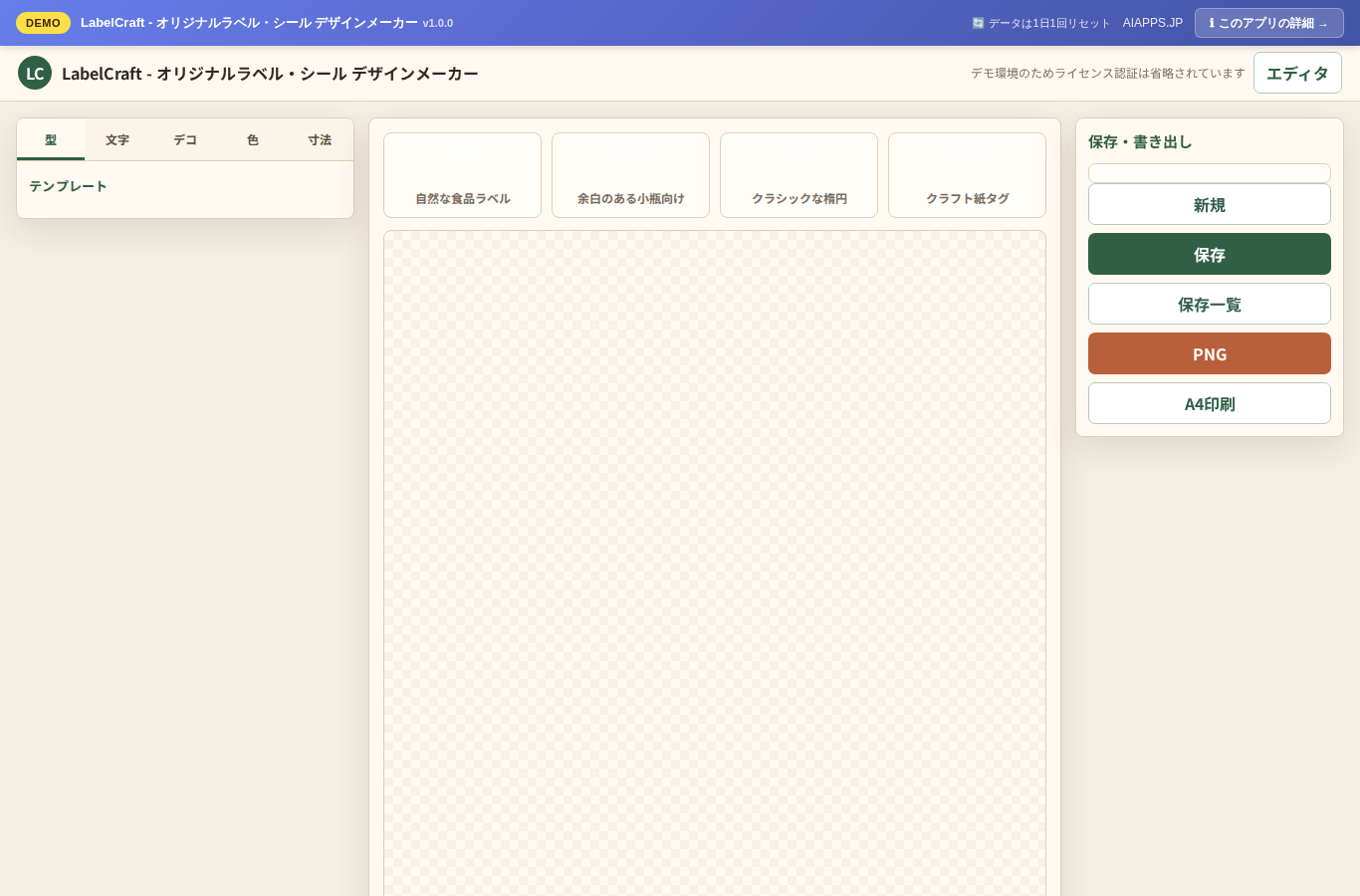
App screen preview
Overview
A free design tool that lets you create original labels for homemade jam, preserves, handmade cosmetics, wine, craft beer, and gifts right in your browser.
Key Features
- Choose from 36 templates (6 shapes × 6 themes) and see them instantly in the Canvas preview
- Edit multiple text fields individually, including product name, tagline, volume, ingredients, and production date
- Place 50+ built-in Canvas decorative elements with a click, then drag to move and adjust size and color
- Customize background color, border color, text color, two-color gradients, border width, and line style
- Supports standard label sizes and custom dimensions in mm
- Export high-resolution PNG files at 300 dpi equivalent
- Automatic imposition print view for A4 paper with cut line display
- Save up to 20 designs in LocalStorage, with re-editing and deletion from thumbnails
Setup Steps
- Create an account on AI App Lab (if you haven't)
- Download
installer.phpfrom your dashboard - Upload to your server's public directory and run it
- Enter API token → select this app → enter DB info → done
📚 Version History
Showing the current version only. See all versions (1) →
v1.0.0
Current
初回リリース。36テンプレート、テキスト編集、50種類以上のデコ素材、PNG書き出し、A4面付け印刷、LocalStorage保存に対応しました。
🔒 Log in and a license are required to download