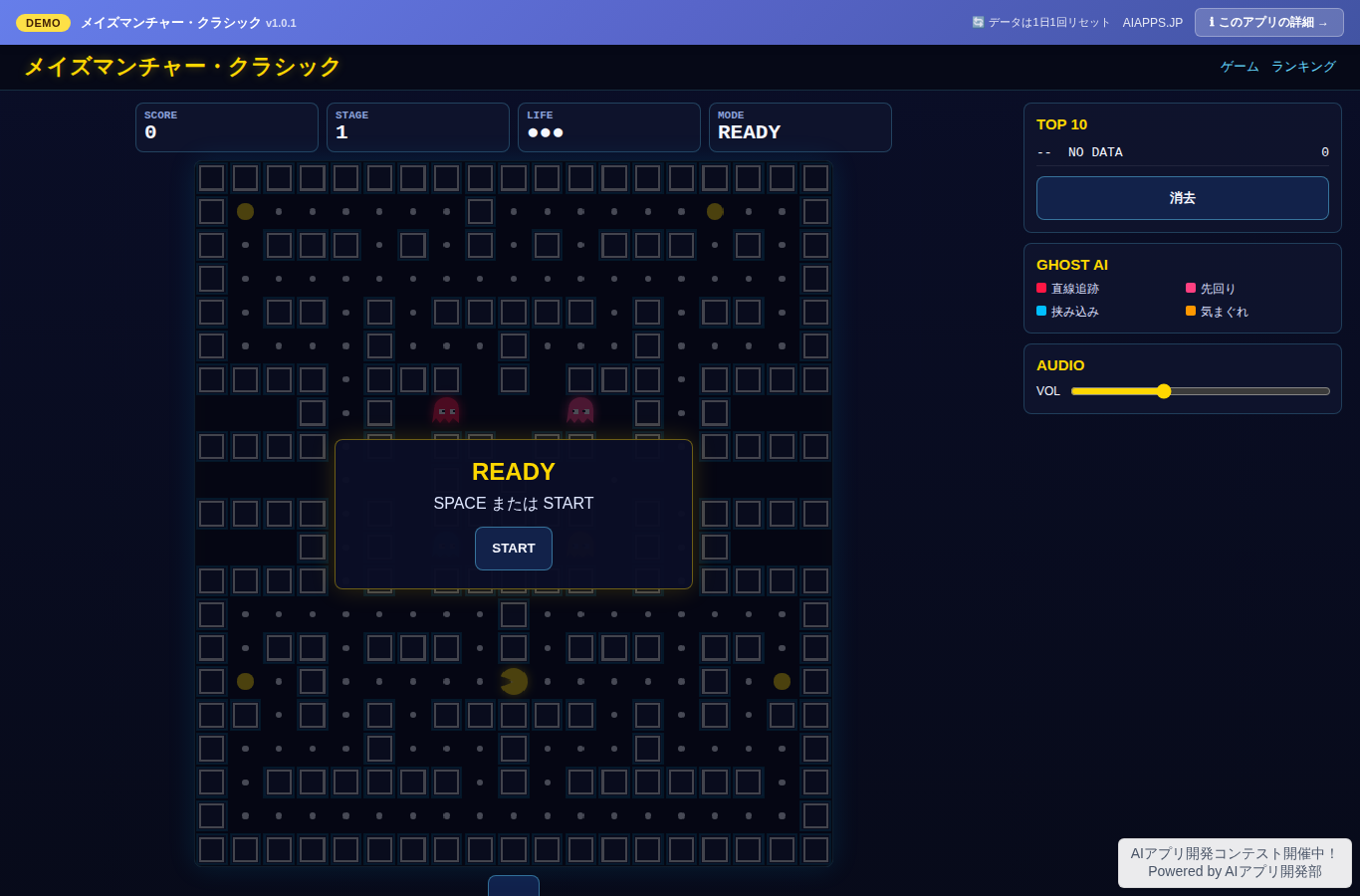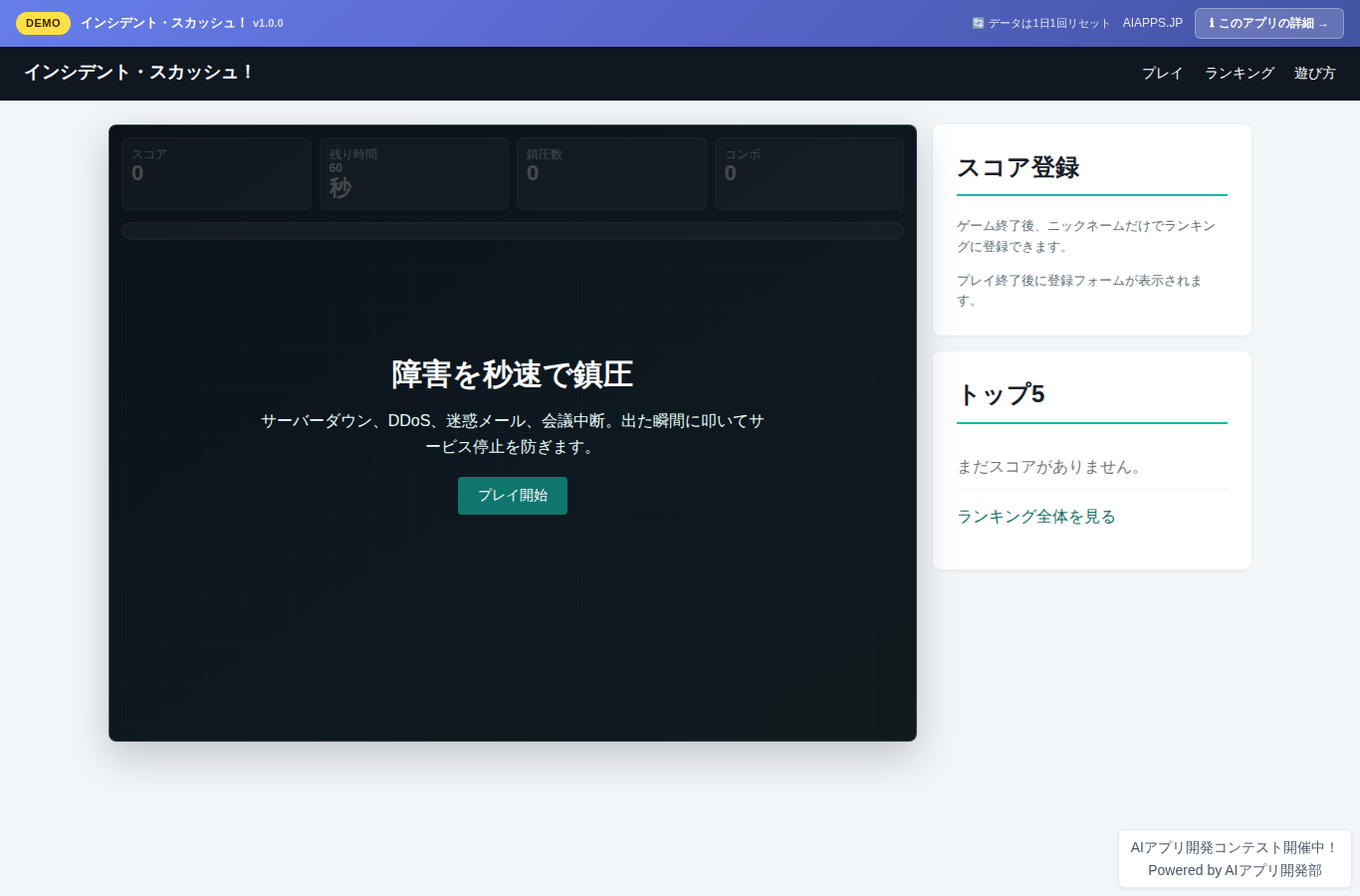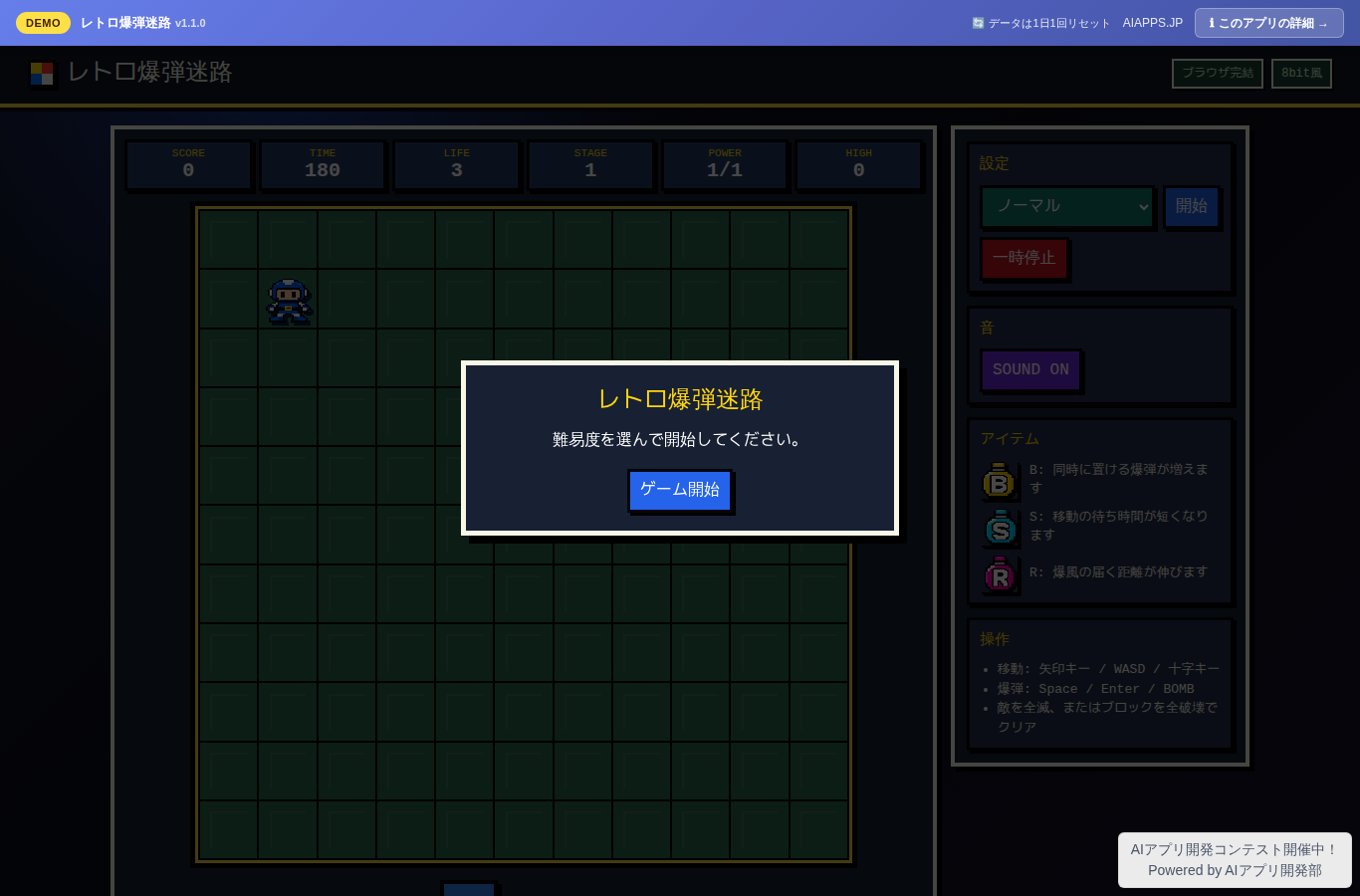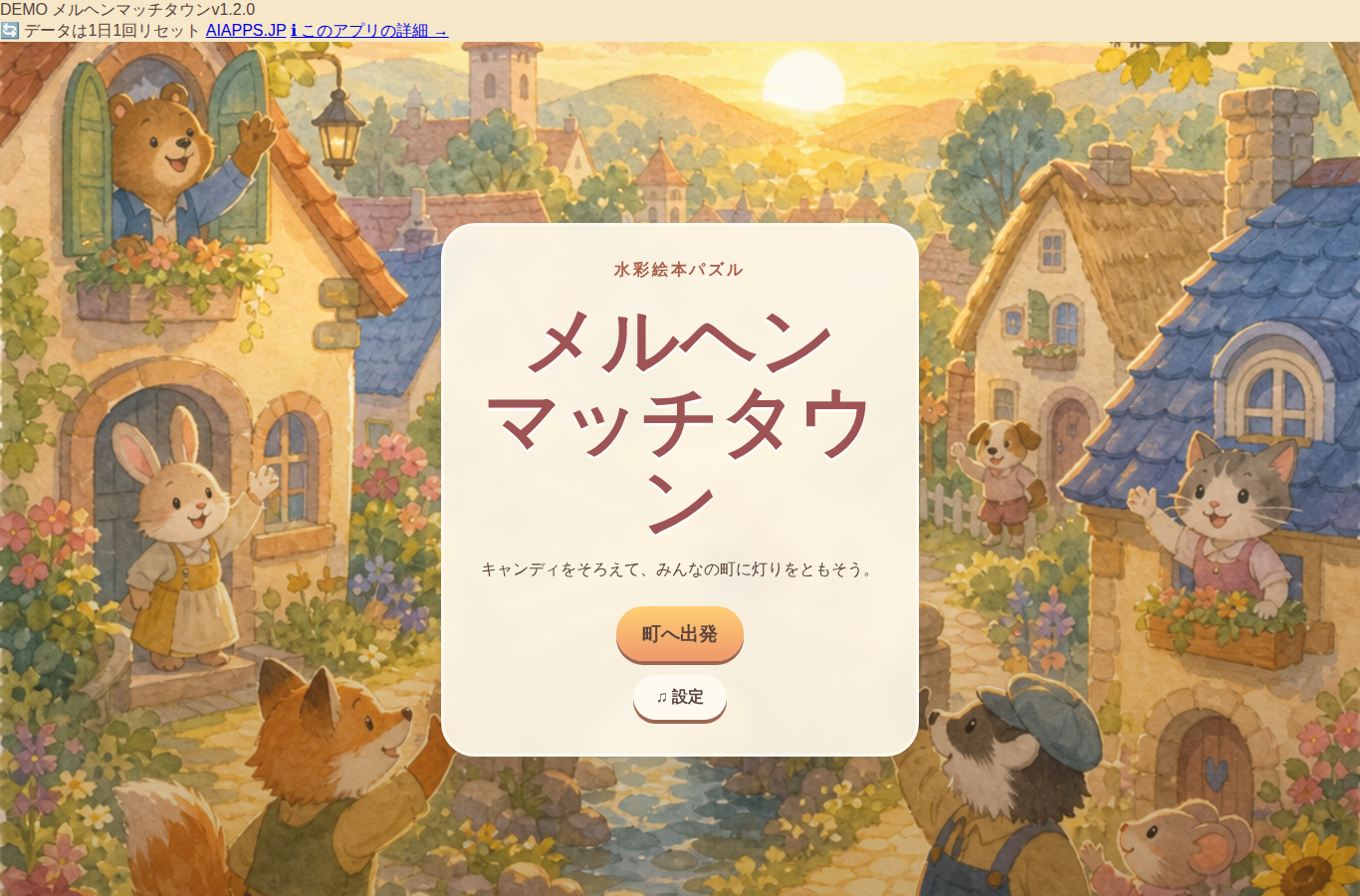
Classic Minesweeper
🙋 リクエスト:
山田太郎
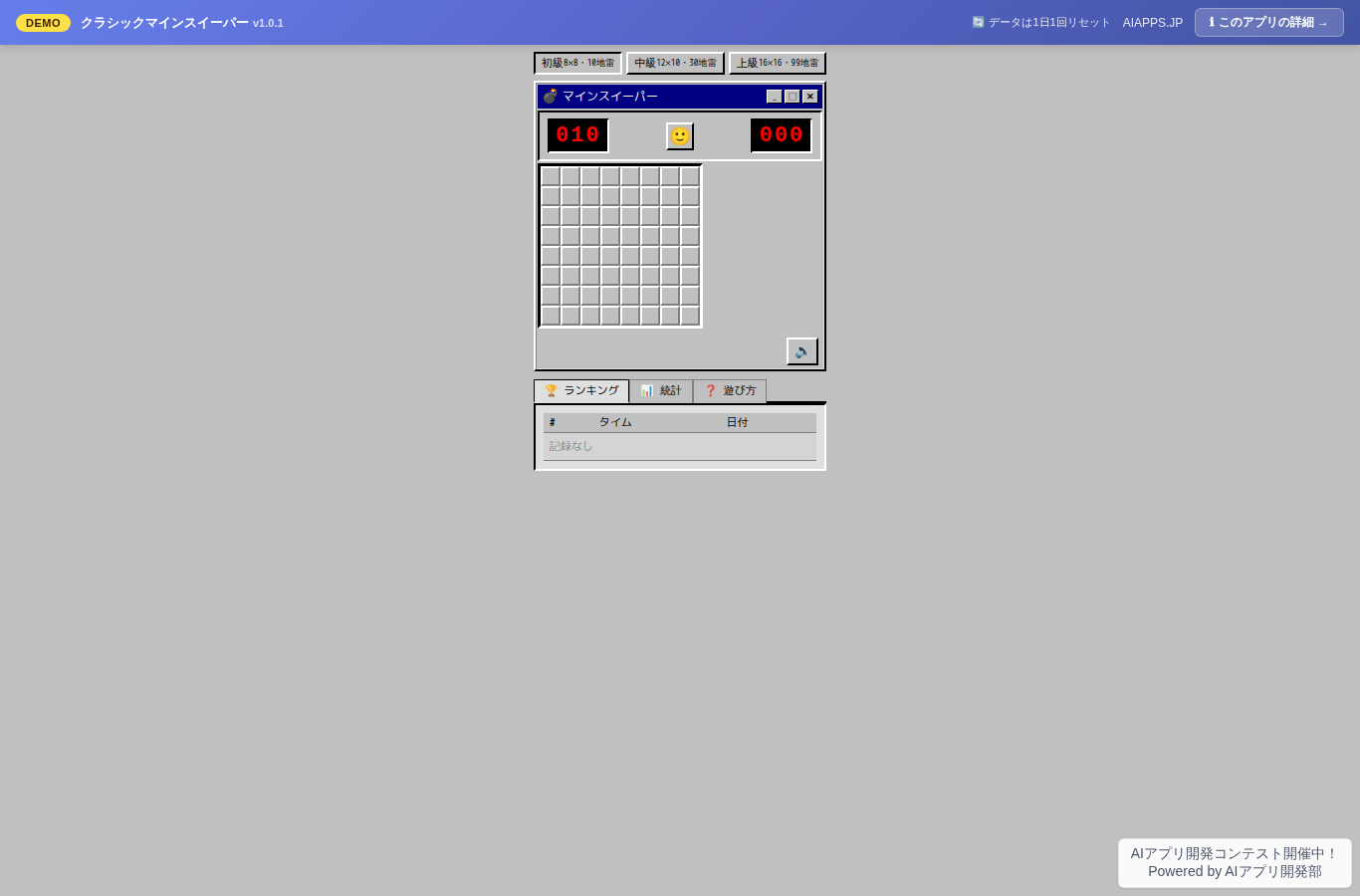
App screen preview
Overview
A faithful browser recreation of the nostalgic Windows 95/98 Minesweeper. Gray window frames, 3D beveled buttons, bitmap fonts — the aesthetics of the era brought back to life exactly as they were. Includes 3 difficulty levels (Beginner, Intermediate, Expert), a timer, flagging, per-difficulty score rankings (saved locally), sound effects, and background music. Plays smoothly on phones, tablets, and PCs. No registration, no database.
Key Features
- Difficulty selection: Beginner (8×8, 10 mines) / Intermediate (12×10, 30 mines) / Expert (16×16, 99 mines)
- Timer (counts up from 0 to 999 seconds, stops on game over or clear)
- Flagging (right-click or long-press to flag a mine square)
- Per-difficulty score rankings (top 10 clear times, saved to localStorage)
- Sound effects (square reveal, flag, clear, and explosion sounds for each action, via Web Audio API)
- Background music (looping in-game BGM, clear fanfare, and game over sound, via Web Audio API)
- Toggle buttons to turn music and sound effects on or off
- Reset function (the smiley button instantly restarts the game)
- Statistics (total games played, clear rate by difficulty)
- Faithful Windows 95/98 UI recreation (gray background, 3D beveled buttons, seven-segment style digits, title bar)
- Mobile support (44×44px minimum tap targets, portrait and landscape scaling, long-press to flag)
- Keyboard controls (arrow keys to move the cursor, Enter/Space/F to flag and reveal squares)
Setup Steps
- Create an account on AI App Lab (if you haven't)
- Download
installer.phpfrom your dashboard - Upload to your server's public directory and run it
- Enter API token → select this app → enter DB info → done
📚 Version History
Showing the current version only. See all versions (4) →
v1.0.3
Current
バグ修正:スマホ長押し時のコンテキストメニューをページ全体で完全抑制(ボタン・タイトルバー等も含む)。
🔒 Log in and a license are required to download