OKRPlanner
🙋 リクエスト:
AI企画部
App screen preview
Overview
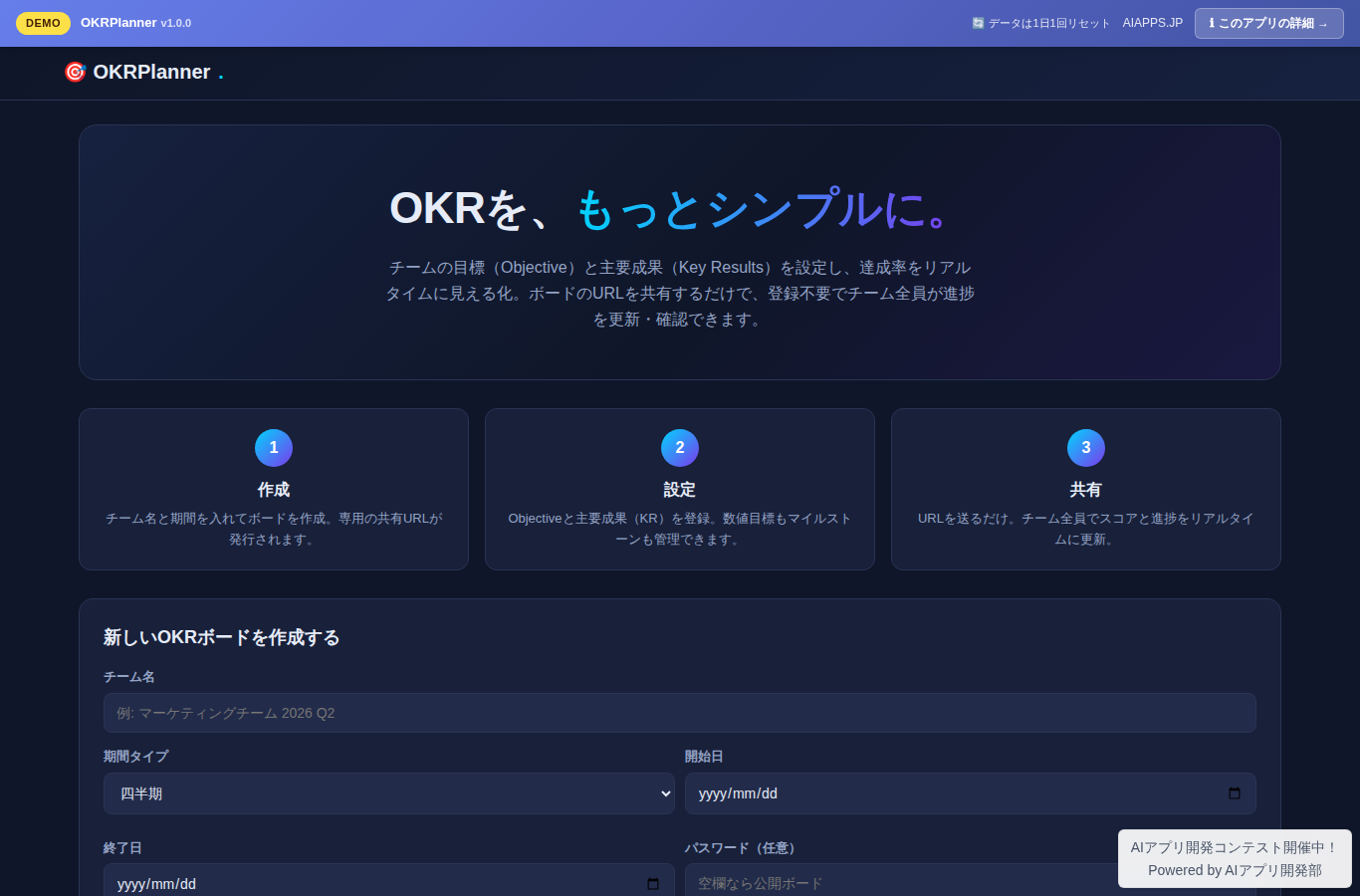
A browser-based tool for setting team objectives and key results using the OKR (Objectives & Key Results) framework, with real-time visualization of achievement rates. Share boards with your team using a board ID and password—no sign-up required. Progress bars for each Objective's achievement rate, a doughnut chart of the overall team score, traffic-light color ratings, and weekly check-ins let everyone see progress at a glance.
Key Features
- Create an OKR board by simply entering a team name and period (quarterly/annual/custom), then generate a shareable URL (no sign-up required, with optional password protection)
- Register up to 5 Objectives with assignees, categories, and priorities
- Set up to 4 Key Results per Objective as either "numeric target" or "milestone" type, with automatic achievement-rate calculation
- Gradient progress bars for Objective achievement rates and a doughnut chart of the overall team OKR score (0–1.0)
- Red, yellow, and green traffic-light colors for at-a-glance progress assessment
- Record weekly check-in comments on each KR with 🚀 On Track / ⚠️ Blocked / ✅ Done stamps, displayed in chronological order
- Countdown of days remaining in the period plus timeline view
- Print or save the current board as a PDF in A4 landscape layout
- Responsive design for PC, tablet, and smartphone
Setup Steps
- Create an account on AI App Lab (if you haven't)
- Download
installer.phpfrom your dashboard - Upload to your server's public directory and run it
- Enter API token → select this app → enter DB info → done
📚 Version History
Showing the current version only. See all versions (1) →
v1.0.0
Current
初版リリース。OKRボードの共有URL発行・Objective/Key Results管理・達成率自動計算・チームOKRスコアのドーナツグラフ・信号機カラー判定・週次チェックインコメント・A4印刷出力・パスワード保護に対応。
🔒 Log in and a license are required to download