TextForge Advanced Text Editor
🙋 リクエスト:
山田太郎
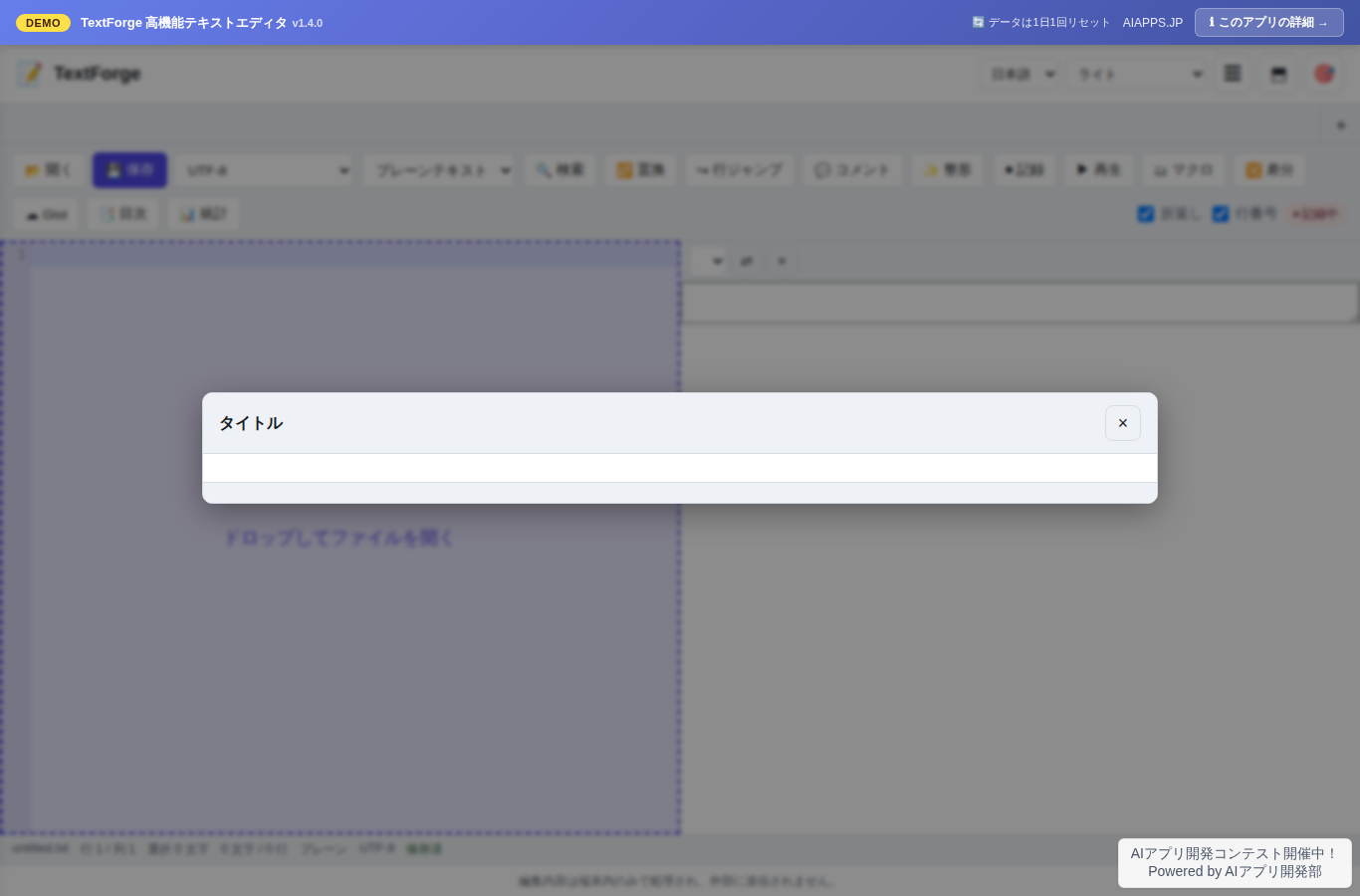
App screen preview
Overview
A full-featured text editor that runs entirely in your browser. It offers syntax highlighting, regex search and replace, multi-tab editing, macro recording and playback, diff view, block (multi-cursor) selection, character encoding conversion, code formatting, split view, focus mode, 9 color themes, a multilingual UI (Japanese/English), accessibility features, GitHub Gist integration, automatic Markdown table of contents generation, and detailed statistics that visualize character-type ratios and reading time. A sidebar (file list/outline) also lets you jump to headings, functions, and classes with a single click.
Key Features
- Syntax highlighting powered by CodeMirror 5 (12+ languages)
- Regex-capable search and replace (Ctrl+F / Shift+Ctrl+F)
- Simultaneous editing across multiple tabs (add, rename, close tabs)
- Automatic saving of tab contents to localStorage
- Unlimited undo and redo (Ctrl+Z / Ctrl+Y)
- Line numbers and jump to line (Alt+G)
- Automatic bracket completion and matching-bracket display
- Active line highlighting
- Toggle comments (Ctrl+/)
- Load files via drag and drop
- Responsive UI (phone/tablet/desktop)
- Status display of character count, line count, and selection range
- [Phase 2] Macro recording, playback, and saving (up to 20, Ctrl+Shift+R / Ctrl+Shift+P)
- [Phase 2] Line-based diff view (between tabs / against directly entered text)
- [Phase 2] Block (multi-cursor) selection (Alt+drag / Shift+Alt+↑↓)
- [Phase 2] Character encoding conversion on input and output (UTF-8 / UTF-8 BOM / Shift_JIS / EUC-JP / JIS / auto-detect)
- [Phase 2] Code formatting (JSON / JavaScript / Java / C/C++ / C# / PHP / SQL / HTML / XML / CSS)
- [Phase 3] 9 color themes (Light/Dark/Dracula/Monokai/Material/Nord/Solarized Light & Dark/Eclipse/IntelliJ) plus a high-contrast mode
- [Phase 3] Split view (horizontal/vertical split, drag to resize, show tabs in the secondary pane, Ctrl+Alt+|)
- [Phase 3] Focus mode (F10 for a distraction-free writing UI / Esc to exit)
- [Phase 3] Multilingual UI (switch between Japanese and English, with automatic browser language detection)
- [Phase 3] Enhanced accessibility (skip links, screen reader support via aria-live, keyboard split resizing, respects prefers-reduced-motion)
- [Phase 4] GitHub Gist integration (store a Personal Access Token in localStorage, load from your own Gist list, create the current tab as a new Gist, overwrite existing Gists)
- [Phase 4] Automatic Markdown table of contents generation (build a TOC with anchor links from headings, insert it at the top of the document or copy it to the clipboard, replace an existing TOC)
- [Phase 4] Detailed text statistics (character, word, line, paragraph, and byte counts; visualized ratios of kanji, hiragana, katakana, alphanumerics, and symbols; estimated reading time for Japanese and English; counts of Markdown headings, code blocks, links, and images; copy the report to the clipboard)
- [Phase 5] Sidebar (F9) — the "Files" tab lists your open tabs and the "Outline" tab shows the structure of the current tab. Click to jump. A translucent overlay on phones, docked to the left side on desktop.
- [Phase 5] Automatic outline extraction — Markdown (heading hierarchy), JavaScript / TypeScript, Python, PHP, Java / C# / C / C++, HTML (h1–h6 plus section/article/nav, etc.), CSS (@media / selectors), SQL (CREATE/ALTER), YAML / JSON (keys), Shell (function definitions), and plain text (=== / --- separators and # headings).
Setup Steps
- Create an account on AI App Lab (if you haven't)
- Download
installer.phpfrom your dashboard - Upload to your server's public directory and run it
- Enter API token → select this app → enter DB info → done
📚 Version History
Showing the current version only. See all versions (5) →
v1.4.0
Current
サイドバー (F9 でトグル) — 「ファイル」タブと「アウトライン」タブを切替
アウトライン自動生成 — Markdown 見出し、JS/Python/PHP/Java/C/C++/C# の関数・クラス、HTML/CSS/SQL/YAML/JSON/Shell の構造を自動抽出
アウトライン項目クリックで該当行へジャンプ。カーソル位置に応じて現在地もハイライト
🔒 Log in and a license are required to download