
UrlCapture - Instant Web Page Screenshot & PDF Saver
🙋 リクエスト:
AI企画部
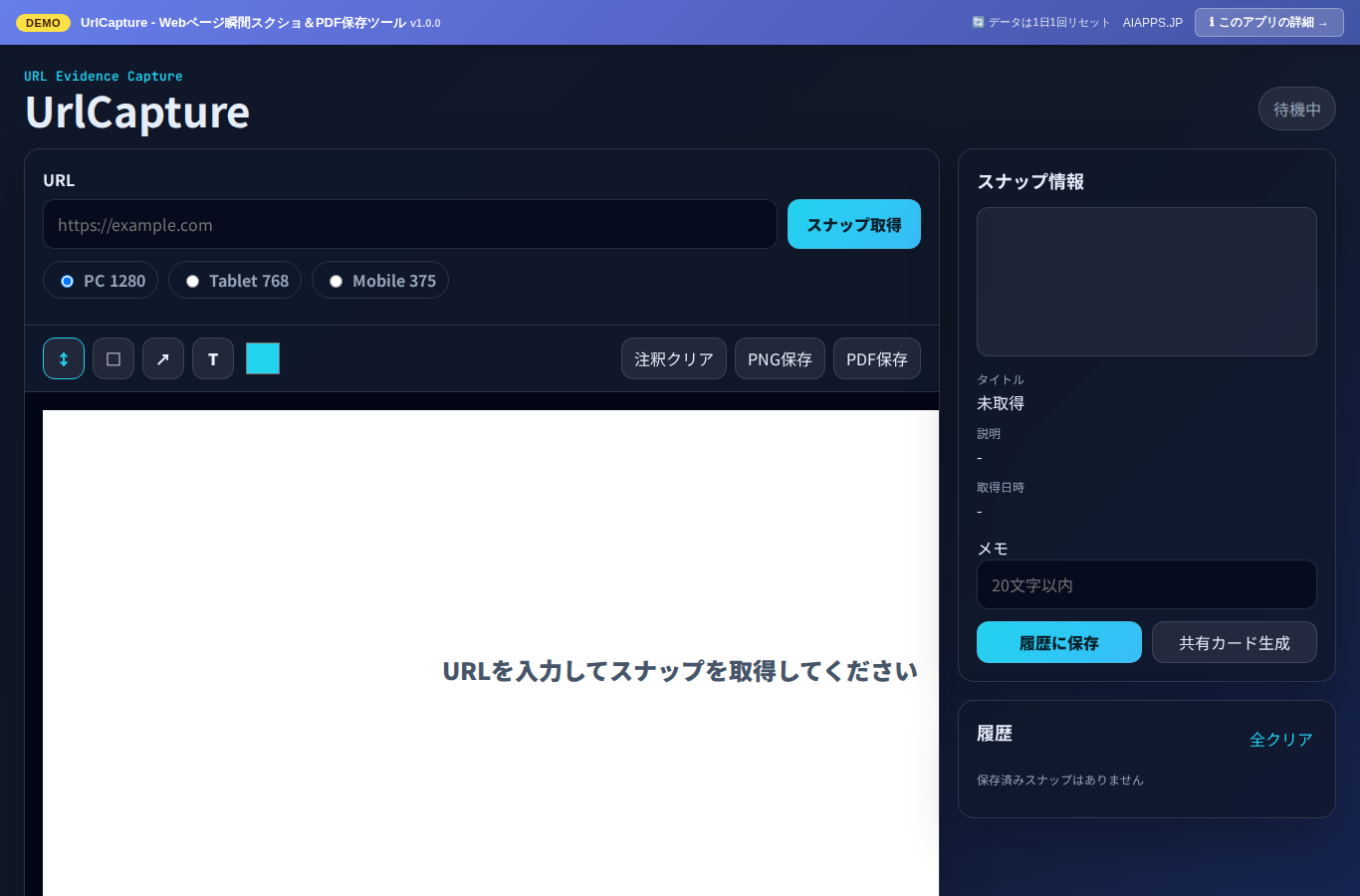
App screen preview
Overview
A browser-based evidence capture tool: just enter a URL to fetch a preview of any web page, then save it as a PNG across different device widths, add annotations, generate share cards, and manage your history in LocalStorage.
Key Features
- Secure PHP proxy that fetches the target URL's HTML and OGP metadata
- Switchable device width presets for desktop, tablet, and mobile
- In-browser PNG generation and print-to-PDF saving via DOMPurify and html2canvas
- Annotation canvas for overlaying arrows, boxes, and text notes
- Stores up to 30 entries in LocalStorage with URL, capture time, thumbnail, and notes
- Generates 1200×630px share card PNGs for social media and reports
- Safe mode that still shows the title, description, and OG image when a page is unreachable
Setup Steps
- Create an account on AI App Lab (if you haven't)
- Download
installer.phpfrom your dashboard - Upload to your server's public directory and run it
- Enter API token → select this app → enter DB info → done
📚 Version History
Showing the current version only. See all versions (1) →
v1.0.0
Current
初版リリース。URLプレビュー取得、PNG保存、注釈、履歴保存、共有カード生成に対応しました。
🔒 Log in and a license are required to download